
Top Website Personalization Strategies to Boost Sales in 2025


Welcome to the new era of e-commerce, where generic storefronts no longer cut it. Today's savvy shoppers expect experiences tailored just for them. But what does that actually mean? It’s about making every visitor feel like your website was designed with their unique needs and desires in mind, creating a connection that feels both personal and effortless.
This isn't just a 'nice-to-have' feature; it's a critical growth engine. Effective website personalization strategies can dramatically increase engagement, skyrocket conversion rates, and build the kind of customer loyalty that turns one-time buyers into lifelong fans. For store owners doing solid numbers but know there's more room to grow, this is your next major lever for scaling.
In this guide, we'll unpack nine powerful and actionable strategies that go far beyond the basics. You will learn how to transform your e-commerce site from a static catalog into a dynamic, responsive, and personal shopping journey for every single customer. We will dive into specific, practical techniques you can implement right away.
We will cover the following key areas:
- Behavioral Targeting and Dynamic Content
- Geographic and Location-Based Personalization
- Demographic and Psychographic Segmentation
- Purchase History and Recommendation Engines
- Device and Technology-Based Personalization
- Time-Based and Contextual Personalization
- Customer Journey Stage Personalization
- Social Proof and Community-Based Personalization
- AI-Powered Predictive Personalization
Whether you're a seasoned seller looking to level up or have a growing store with a partner like Wand Websites, these strategies will provide the blueprint for creating an unforgettable customer experience and achieving sustainable growth. Let's get started.
1. Behavioral Targeting and Dynamic Content
Imagine walking into a physical store where the displays magically rearrange to showcase exactly what you’re interested in. That’s the power of behavioral targeting and dynamic content for your e-commerce site. This strategy tracks user behavior in real-time-like pages visited, products clicked, and even scroll depth-to instantly adjust the content they see. It's one of the most powerful website personalization strategies because it creates a uniquely relevant experience for every single visitor.
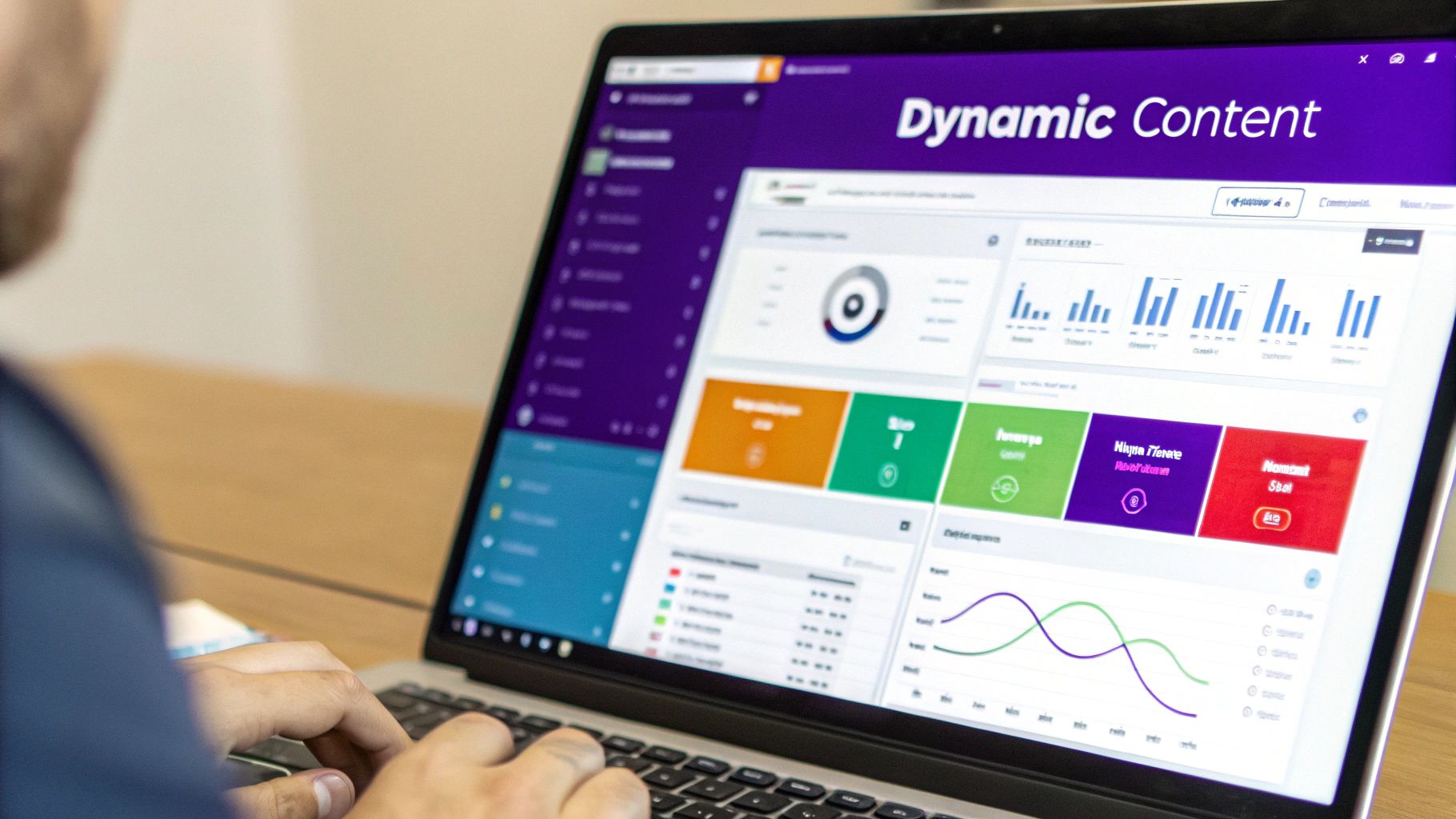
Think of Amazon's homepage. The product recommendations, "Frequently bought together" sections, and even the promotional banners are all tailored to your past browsing and purchase history. Netflix does the same with its content tiles, showcasing movies and shows based on what you’ve watched before. These giants prove that adapting your site based on user actions isn't just a gimmick; it's a core driver of engagement and sales.
How to Implement This Strategy
Getting started doesn't require a massive development team. Many modern e-commerce platforms and personalization tools have built-in features to help you leverage this technique effectively.
- Start Simple: Begin by triggering dynamic content based on simple rules. For example, if a user views three different products in your "handmade jewelry" category, display a banner on the homepage that features your best-selling necklaces.
- Use Heatmaps: Tools like Hotjar or Crazy Egg can show you where users click and spend the most time. Use this data to identify prime real estate for dynamic content, like your homepage hero section or sidebars on category pages.
- Create Fallback Content: What about brand-new visitors? Always have a default, or "fallback," version of your dynamic content ready. This ensures first-time users still have a great experience while you gather the data needed to personalize their future visits.
- Be Transparent: Always inform users about your data collection practices in your privacy policy and provide clear opt-out options. Trust is crucial for building a loyal customer base.
2. Geographic and Location-Based Personalization
Imagine your website greeting a visitor in their native language, showing prices in their local currency, and highlighting products that are popular in their city. This isn't science fiction; it's the power of geographic personalization. This strategy uses a visitor's location, typically found via their IP address, to deliver a tailored experience. It’s a game-changer among website personalization strategies because it instantly makes your global brand feel local and relevant.
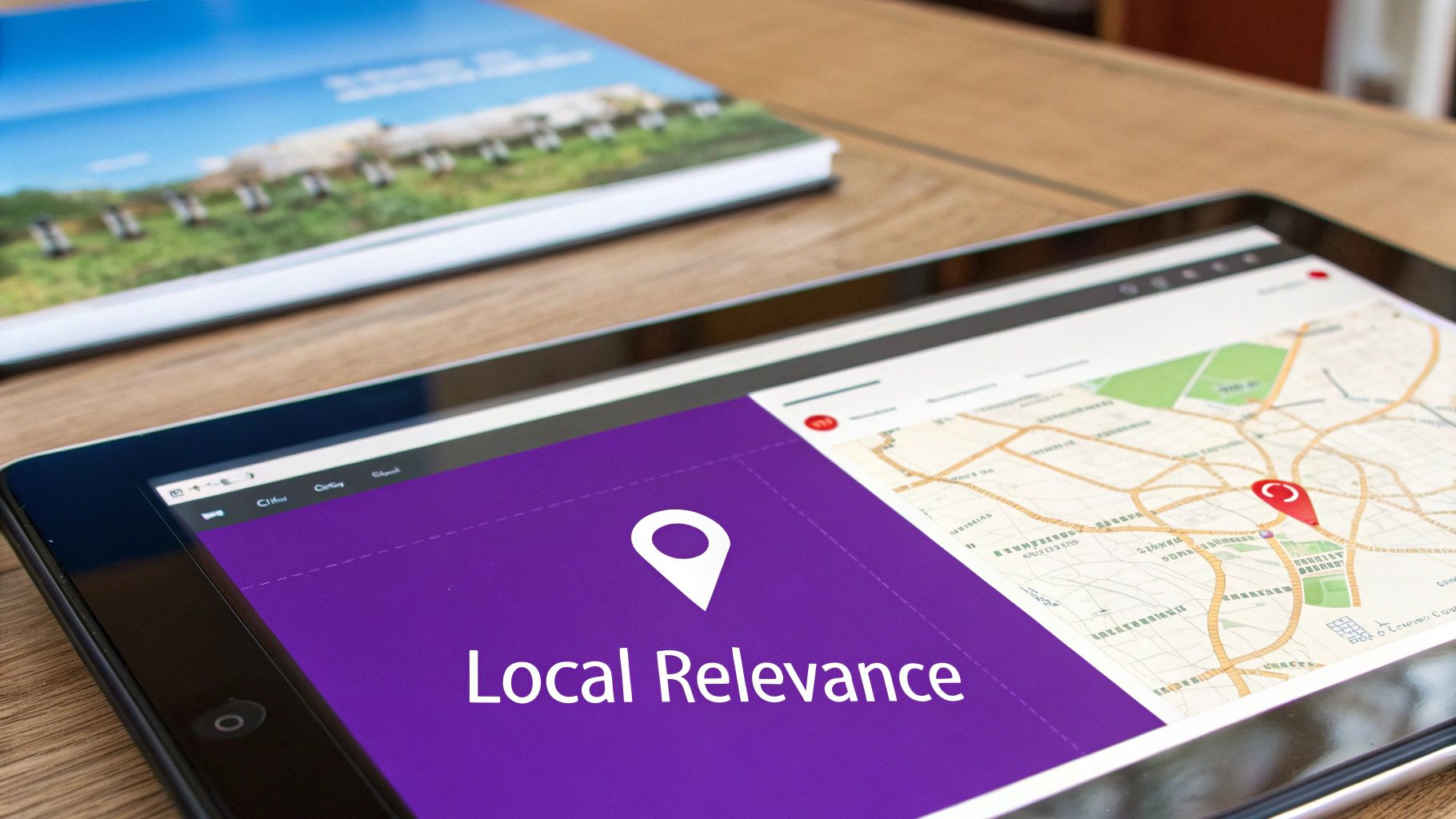
Think about how Airbnb automatically shows you properties and prices in your home currency and language, no matter where you're searching from. Similarly, McDonald's adapts its online menu to feature country-specific items, like the McSpicy Paneer in India or the Teriyaki McBurger in Japan. These giants demonstrate that acknowledging a user's location builds immediate trust and removes friction from the buying process.
How to Implement This Strategy
You don't need a global infrastructure to start using location-based personalization. Many e-commerce platforms and plugins offer geo-targeting features that are surprisingly easy to set up.
- Prioritize Currency and Language: The most impactful first step is to automatically switch to the local currency and language. This simple change can dramatically reduce bounce rates and increase conversions by making visitors feel instantly at home on your site.
- Allow Manual Overrides: IP detection isn't always perfect. Always provide a clear and easy-to-find option for users to manually change their country or region. A dropdown in the header or footer is a common best practice.
- Showcase Local Social Proof: If you have testimonials or user-generated content, feature reviews from a visitor's country or region. Seeing that people "like them" have purchased and enjoyed your products is incredibly powerful social proof.
- Consider Time Zones: Use a visitor's local time zone to schedule pop-ups, promotions, or limited-time offers. A "flash sale ending at midnight" is far more effective when it aligns with the customer's actual midnight, not yours.
3. Demographic and Psychographic Segmentation
Imagine speaking directly to your ideal customer, knowing not just who they are (age, location) but why they buy (values, interests, lifestyle). That’s the core of demographic and psychographic segmentation. This strategy groups users based on shared characteristics, allowing you to tailor everything from marketing messages and product recommendations to the entire site experience. It’s one of the most foundational website personalization strategies because it helps you understand the human behind the screen.

Nike’s website is a prime example. If you’ve shown interest in running, your homepage will feature running shoes and apparel, not basketball gear. Similarly, Sephora’s Beauty Insider program uses your stated preferences and purchase history to suggest products that match your specific skin type and beauty goals. This level of detail makes customers feel understood and valued, which is a powerful driver for loyalty.
How to Implement This Strategy
You can start segmenting your audience by combining data from on-site behavior, surveys, and purchase history. This approach creates rich customer profiles that go beyond surface-level assumptions.
- Use Progressive Profiling: Instead of hitting new visitors with a long sign-up form, gather information over time. Ask for their birthday in a post-purchase email or invite them to take a short quiz to identify their style preferences.
- Combine Declared and Observed Data: Use what customers tell you (e.g., in a survey) and what they show you (e.g., browsing a specific category). If a user says they're interested in sustainable products and also browses your eco-friendly collection, you have a strong signal for personalization.
- Allow Users to Self-Identify: Create preference centers in user accounts where customers can directly tell you what they’re interested in. This is the most accurate way to gather psychographic data and shows you respect their choices.
- Update Segments Regularly: People’s interests and life stages change. A customer who once bought maternity clothes might now be interested in toddler products. Periodically review and update your segments to ensure they remain relevant.
4. Purchase History and Recommendation Engines
Have you ever added an item to your Amazon cart and instantly seen a section for "Customers who bought this item also bought"? That's a recommendation engine in action. This strategy uses past purchase data and browsing behavior to predict what a customer will want to buy next. By analyzing what similar shoppers have purchased, it can present highly relevant product suggestions, making it one of the most effective website personalization strategies for increasing average order value.

Think about Netflix, where nearly 80% of content viewed comes from its recommendation algorithm. Or Stitch Fix, which builds its entire business model on curating clothing boxes based on purchase history and style feedback. These companies prove that understanding past behavior is the best predictor of future intent, turning a standard shopping trip into a personalized discovery experience that keeps customers coming back.
How to Implement This Strategy
You don't need Amazon's resources to get started. Many e-commerce platforms like Shopify and BigCommerce have powerful app marketplaces with plug-and-play recommendation engine tools that integrate directly into your store.
- Offer Both Similar and Complementary Items: Suggest products that are direct alternatives (e.g., a different brand of coffee maker) and also items that complete a set (e.g., coffee filters and mugs). This covers both replacement and upselling opportunities.
- Leverage Social Proof: Enhance your recommendations by showing how many other people have viewed or purchased the suggested item. Phrases like "Bought 150+ times this month" add a layer of trust and urgency.
- Explain Your Recommendations: Build customer confidence by explaining why an item is being suggested. Simple labels like "Because you viewed [Product Name]" or "Inspired by your recent purchase" make the personalization feel transparent and helpful.
- Balance Popularity with Discovery: While it's great to show off bestsellers, make sure your engine also surfaces niche or new products. This helps customers discover hidden gems in your catalog they might not have found otherwise.
5. Device and Technology-Based Personalization
Imagine your website as a chameleon, perfectly adapting not just to the user's interests, but to the very environment it's viewed in. That’s the core of device and technology-based personalization. This strategy tailors the user experience based on technical signals like the device they're using (mobile, desktop, tablet), their screen size, operating system, and even their connection speed. It's a crucial component of modern website personalization strategies that ensures a smooth, functional, and visually appealing experience for everyone, regardless of how they access your site.
Think about how you browse on your phone versus your laptop. On mobile, you expect large, touch-friendly buttons and streamlined navigation. On a desktop, you can handle more complex layouts with hover effects and detailed menus. Tech giants like Google championed this with their mobile-first indexing, prioritizing sites that offer a great mobile experience. This isn't just about making your site look good; it's about making it work flawlessly for the context of use, which directly impacts user satisfaction and conversion rates.
How to Implement This Strategy
Ensuring your site performs beautifully on every device is more accessible than ever, thanks to modern web design principles and tools.
- Prioritize a Mobile-First Design: Build the mobile version of your site first, then scale up to tablet and desktop. This forces you to focus on the most essential features and content, resulting in a cleaner, more efficient experience across all devices.
- Use Progressive Enhancement: Start with a baseline of core content and functionality that works on all browsers. Then, add more advanced features (like complex animations or high-resolution videos) that only load if the user's device and browser can support them.
- Optimize for Speed: Implement lazy loading for images and videos so they only load as a user scrolls down the page. Compress media files to ensure fast load times, especially for users on slower mobile connections.
- Test on Real Devices: While browser simulators are helpful, nothing beats testing on actual iPhones, Androids, and tablets. This helps you catch device-specific quirks and ensure touch interactions feel natural and responsive.
6. Time-Based and Contextual Personalization
Have you ever noticed how your favorite coffee shop promotes iced lattes right when summer hits? That’s time-based personalization in action, and it’s a brilliant way to make your website feel incredibly relevant. This strategy uses temporal factors-like the time of day, day of the week, season, or upcoming holidays-to tailor content and offers. It's one of the most intuitive website personalization strategies because it aligns your marketing with the user's real-world context.
Think of Domino's showing lunch specials around noon or a travel site promoting weekend getaways on a Thursday evening. These brands understand that when a customer visits is just as important as who they are. By syncing your website's content with the clock and the calendar, you tap into existing consumer mindsets, making your offers feel timely and natural rather than intrusive. This creates a smoother path to purchase by meeting customers exactly where they are.
How to Implement This Strategy
You can start applying time-based rules to your site with most personalization tools, often without needing complex technical setups. It’s all about anticipating your customer’s needs based on the calendar.
- Create a Content Calendar: Plan your promotions, banners, and even blog posts around seasonal trends and major holidays. For example, a home decor store could feature cozy blankets in the fall and bright, floral patterns in the spring.
- Respect Time Zones: Always use the visitor's local time, not your server's time. A "limited-time morning offer" that appears at 10 PM for a user is confusing and ineffective. Ensure your tools can segment based on the user's geographic location.
- Identify Peak Engagement Times: Dive into your analytics to discover when your specific audience is most active. If you notice a spike in traffic on Sunday evenings, schedule a special promotion or a new product drop for that time to maximize visibility and impact.
- A/B Test Your Timing: Don't just assume when the best time is. Run A/B tests to discover the optimal timing for different offers and user segments. You might find that your weekday lunch special converts better if it starts at 11 AM instead of noon.
7. Customer Journey Stage Personalization
Imagine guiding a new visitor by the hand, showing them exactly what they need to see at the perfect moment. That's the essence of customer journey stage personalization. This approach tailors your website experience based on where a user is in their buying journey, whether they're a first-time visitor just becoming aware of your brand or a loyal customer ready for a repeat purchase. It's one of the most effective website personalization strategies because it nurtures users from discovery to conversion and beyond.
Think about how HubSpot guides potential customers. A new visitor might see a blog post and a call-to-action (CTA) for a free ebook (Awareness Stage). Once they download it, their next visit might feature a webinar invitation or a case study (Consideration Stage). This progressive approach ensures the content is always relevant, building trust and gently moving the user toward making a decision without being pushy.
How to Implement This Strategy
Mapping your customer's path is the first step, but implementing the personalized experience is where the magic happens. Many CRM and marketing automation platforms can help you execute this strategy effectively.
- Map Your Journey: Before you write a line of code, clearly define the stages of your customer journey. Common stages include Awareness, Consideration, Decision, and Loyalty. What questions does a customer have at each stage? What content will best answer them?
- Use Progressive Profiling: Instead of asking for 10 pieces of information on a single form, use progressive profiling. Ask for an email first. On the next interaction, ask for their company name. This gathers data over time without creating friction for the user.
- Segment Your CTAs: Your calls-to-action should change based on the user's stage. A new visitor might see "Learn More," while a returning lead sees "Request a Demo" or "Start Your Free Trial." This ensures your asks are always appropriate for the relationship you've built.
- Retarget with Precision: Use retargeting to re-engage users who drop off. If someone visited a product page multiple times but didn't buy (Consideration Stage), show them an ad featuring a customer testimonial or a limited-time discount for that specific product.
8. Social Proof and Community-Based Personalization
Have you ever chosen a busy restaurant over an empty one? That’s social proof in action. This strategy harnesses the power of community and user-generated content to influence visitor decisions. By showing what other people are buying, reviewing, and loving, you tap into the natural human tendency to follow the crowd. It’s one of the most authentic website personalization strategies because it uses the voice of real customers to build trust and guide new visitors.
Booking.com is a master of this, with its real-time notifications like "25 people are looking at this hotel right now" or "Last booked 1 hour ago." Amazon personalizes social proof by showing you reviews and questions answered by customers who purchased the same product. This approach validates a shopper's interest and creates a subtle sense of urgency, encouraging them to act before an item sells out or an offer expires.
How to Implement This Strategy
Integrating social proof doesn't have to be complicated. You can start with simple widgets and gradually build more sophisticated, community-driven features into your e-commerce site.
- Show Real-Time Activity: Use tools like Fomo or Nudgify to display small pop-ups showing recent purchases, reviews, or sign-ups. For example, "Sarah from New York just bought our best-selling earrings!"
- Highlight Relevant Reviews: Instead of showing all reviews, personalize the experience by surfacing reviews from customers in the same geographic location or who purchased similar products. This makes the feedback feel more relatable.
- Leverage User-Generated Content: Encourage customers to share photos of your products on social media with a unique hashtag. You can then display these images on your product pages, showing real people enjoying your items. For insights into harnessing the power of customer voices and building community, explore the principles of User Generated Content Marketing.
- Create a Sense of Community: If a user is logged in and has social connections on your platform, show them what their friends have purchased or recommended. This adds a powerful layer of personal trust to the shopping experience.
9. AI-Powered Predictive Personalization
Imagine your website not just reacting to what a customer does, but predicting what they'll want to do next. That's the futuristic power of AI-powered predictive personalization. This strategy uses machine learning and predictive analytics to analyze vast amounts of data, anticipating user needs and preferences before they are even expressed. It's one of the most advanced website personalization strategies, moving from historical data to proactive, forward-looking experiences.
Think about Facebook's News Feed, which predicts what content will keep you scrolling, or Google's RankBrain, which personalizes search results based on its predictions of your intent. In e-commerce, Shopify’s Kit AI assistant provides personalized marketing recommendations to store owners. These giants show that using AI to forecast customer behavior isn't just a sci-fi concept; it's a powerful tool for driving engagement and conversions by meeting needs before they arise.
How to Implement This Strategy
While it sounds complex, a growing number of tools are making AI accessible for e-commerce stores. You can start small and scale your efforts as you grow more comfortable with the technology.
- Start with Simple AI Applications: Don't jump into building complex predictive models from scratch. Begin with AI-powered product recommendation engines or chatbots that learn from customer interactions to provide better answers over time.
- Ensure Data Quality and Quantity: AI thrives on data. Before implementing a solution, ensure you have clean, well-organized data from various sources like site behavior, purchase history, and customer service interactions. The more high-quality data your AI has, the smarter its predictions will be.
- Maintain Human Oversight: AI is a tool, not a replacement for human intuition. Always maintain the ability to review and override AI-driven decisions. This ensures your brand's voice remains authentic and helps correct any unusual recommendations the algorithm might make. To delve deeper into leveraging advanced AI for predictive personalization, explore how you can enhance your website with artificial intelligence personalization.
- Be Transparent About AI Usage: Let your customers know how you're using technology to improve their experience. Be clear in your privacy policy and provide users with control over their data, as transparency builds the trust necessary for long-term loyalty.
Website Personalization Strategies Comparison
Bringing It All Together: Your Next Steps in Personalization
We've journeyed through a comprehensive toolkit of powerful website personalization strategies, exploring nine distinct avenues to create a more engaging, relevant, and profitable e-commerce experience. From leveraging dynamic content based on user behavior to tailoring offers by geographic location and even predicting future needs with AI, you now have a blueprint for transforming your website from a static storefront into a dynamic, one-to-one conversation with each customer.
The sheer number of options might feel overwhelming, but the goal isn't to implement every single strategy overnight. The real magic happens when you start small, listen to your data, and strategically choose the tactics that will deliver the most significant impact for your unique audience and business goals.
Distilling the Core Takeaways
At the heart of every successful personalization effort are a few foundational principles. Remember these as you move forward:
- Data is your compass: Every strategy we discussed, from demographic segmentation to purchase history recommendations, is fueled by data. Your first step is always to understand the information you already have and identify what you need to collect.
- The customer journey is key: A first-time visitor needs a different experience than a loyal, repeat customer. Mapping your personalization efforts to specific stages of the customer journey ensures your message is not just personal, but also perfectly timed.
- Technology is your ally, not a replacement for strategy: Tools like recommendation engines and AI algorithms are incredibly powerful, but they work best when guided by a clear understanding of your business objectives and customer psychology.
Your Actionable Roadmap to a Personalized Website
Feeling motivated but unsure where to begin? Don't let analysis paralysis stop you. Here is a simple, step-by-step plan to turn these ideas into action and start seeing results.
- Start with a Data Audit: Before you do anything else, dive into your analytics. What do you know about your customers right now? Look at your most popular products, referral sources (like your Etsy shop), common purchase paths, and device usage. This initial audit will immediately highlight low-hanging fruit. For example, if you see significant mobile traffic, device-based personalization should be a top priority.
- Choose ONE High-Impact Strategy: Pick the single strategy that best aligns with your audit findings. If you have a few hero products, a recommendation engine ("Customers also bought...") is a fantastic starting point. If you serve an international audience, geographic personalization with tailored shipping offers can provide an instant conversion lift.
- Implement and Test: Roll out your chosen strategy on a small scale. Use A/B testing to measure its impact against a control group. Did it increase add-to-carts? Did it improve your conversion rate? Let the data tell you if you're on the right track.
- Gather Feedback and Iterate: Personalization is not a "set it and forget it" task. Pay attention to customer feedback, monitor your metrics, and continuously refine your approach. As you master one tactic, layer in the next, building a sophisticated and seamless personalized experience over time.
Ultimately, mastering these website personalization strategies is about more than just boosting metrics; it's about building genuine, lasting relationships. It’s about making your customers feel seen, understood, and valued. In a crowded e-commerce landscape, that human connection is your most powerful and sustainable competitive advantage, turning one-time buyers into lifelong fans who feel your brand was built just for them.
Ready to stop tinkering with plugins and start with a powerful foundation? Wand Websites specializes in building high-conversion e-commerce sites for ambitious brands just like yours, with these exact growth strategies baked in from day one. Let us help you turn these powerful concepts into a seamless, automated sales engine by visiting Wand Websites to see how we can build a site that truly connects with your customers.
