
Average Cost for Building a Website: What You Need to Know

So, how much does a website actually cost? The short answer is: it depends. You could be looking at anywhere from a few hundred dollars for a simple site you build yourself to well over $10,000 for a complex, custom-built project.
For most small businesses, a professionally built website will typically land somewhere between $1,000 and $10,000. Think of it like buying a car. A simple, reliable sedan gets you from A to B, but a heavy-duty truck designed for hauling specialized equipment is going to have a much higher price tag. They both have wheels, but they’re built for entirely different jobs.
Your Quick Guide to Website Costs
Before we get into the nitty-gritty of what drives costs up or down, let's get a bird's-eye view. The final price tag really hinges on what you need your website to do. Are you just putting up a digital brochure? Or are you building a full-blown online store that needs to handle thousands of orders? Each goal has its own budget and timeline.
This infographic gives you a quick snapshot of what to expect for different types of websites.
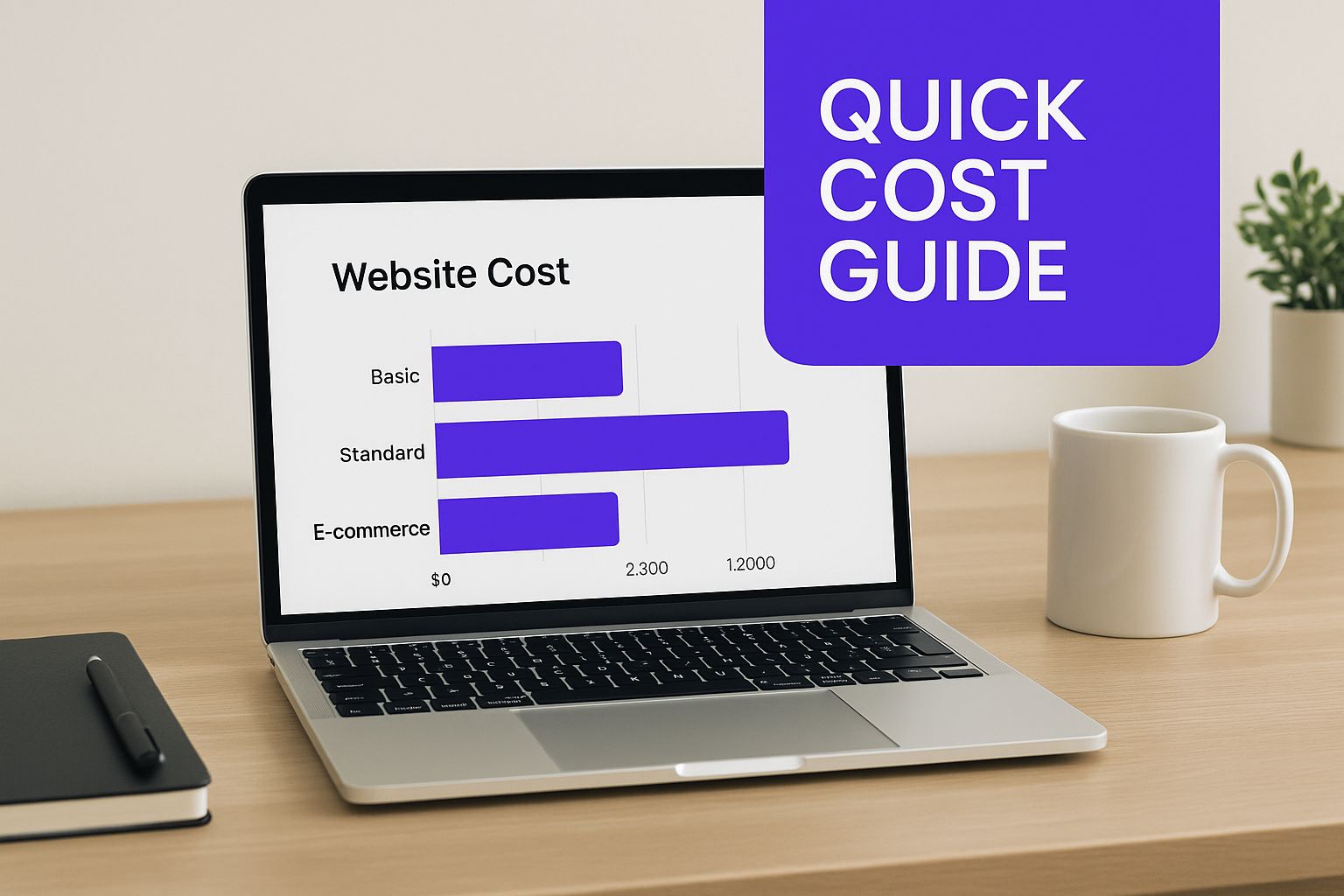
As you can see, the more complex the site, the more time and money it takes. Adding e-commerce is usually the point where you see a big jump in both.
Understanding the General Price Ranges
Let's put some real numbers to this. A basic informational site for a U.S.-based small business usually falls in that $1,000 to $10,000 sweet spot.
But what happens when you need more than just a "brochure" site? That's when the costs start to climb. If you're talking about a website with advanced features—like a custom login portal for clients, unique calculators, or complex software integrations—you could easily be looking at $30,000 to $95,000 or even more. For a deeper dive, you can check out a complete guide to development costs that breaks these figures down even further.
Key Takeaway: The purpose of your website is the single biggest factor in determining its cost. A simple "digital business card" will always be cheaper than an interactive, sales-generating machine.
To help you get your bearings, here's a quick table that lays out the typical costs and timelines for a few common website types. This should give you a good starting point for matching your budget and expectations before we dig into the details.
Website Cost and Timeline at a Glance
This table makes it clear: the more your website needs to do, the more you should plan to invest in both time and money.
Choosing Your Builder: DIY vs. Freelancer vs. Agency
So, who's actually going to build this thing? This is your first major decision, and it has the biggest impact on your budget.
I like to think of it like a home renovation. You could grab a hammer and do it yourself (DIY), hire a skilled carpenter to handle the tricky parts (a freelancer), or bring in a full-service design-and-build firm (an agency). Each path will get you a finished product, but the cost, timeline, and final result will be worlds apart.
Let's walk through what each option really means for your wallet and your sanity.
The DIY Route with Website Builders
Going the Do-It-Yourself route is hands-down the most affordable way to get online. Using a platform like Squarespace or Wix, you can get a site up and running for just a few hundred dollars a year. That price usually bundles everything you need—hosting, templates, and even basic security.
This path puts you in the driver's seat. It's perfect if you're building a simple portfolio, a personal blog, or a brochure-style site for a small business.
The catch? You're responsible for everything. The design, the writing, plugging in all the content, and figuring out how the platform works. While these builders are designed to be user-friendly, if you need a special feature that isn't built-in or you run into a technical snag, you're pretty much on your own. It's the cheapest in dollars but the most expensive in terms of your personal time.
Website builders like Squarespace make it easy to get a professional look without touching a line of code.
As you can see, the whole experience is visual, letting you start with a beautiful template and make it your own.
Hiring a Freelancer for a Custom Touch
Hiring a freelancer is the perfect middle ground. You get a dedicated expert who can build something far more custom and powerful than a DIY template, but you skip the high overhead costs of an agency.
Freelancers often have specialized skills. You can find someone who's a brilliant designer, a coding wizard, or an SEO guru. For a small business website, you can expect to pay anywhere from $1,000 to $10,000, depending on how experienced they are and what you need them to build.
This path gives you an incredible balance of quality and cost. The trick is finding the right person for the job—someone who gets your vision and has the skills to bring it to life.
A great freelancer doesn't just build what you ask for; they become a partner. They take your business goals and translate them into a website that actually works, helping you sidestep the common mistakes people make on the DIY path.
Partnering with a Web Design Agency
Going with an agency is the premium, all-inclusive option. This is your design-and-build firm. You’re not just hiring one person; you’re hiring a whole team of specialists—designers, developers, project managers, and marketing strategists—all working together on your project.
This is the best choice for complex projects, large e-commerce businesses, or custom web applications where a deep, strategic approach is non-negotiable.
Of course, that full-service treatment comes with a price to match. Agency projects typically start around $10,000 and can go way, way up from there. What you're paying for is a seamless process, a wealth of expertise, and long-term support. For a business that sees its website as a core investment, an agency delivers the most powerful and scalable solution.
Comparing Website Build Options: DIY vs. Freelancer vs. Agency
To make the choice a little clearer, here's a direct comparison of the key factors for each approach. This should help you figure out where you fit.
Ultimately, there's no single "best" choice—only the best choice for you. Your budget, timeline, and the complexity of your vision will point you in the right direction.
The Real Factors That Drive Up Website Costs
So, why does one web developer quote you $3,000 while an agency sends over a proposal for $30,000? It’s not just random numbers. The real answer lies in the details—what you actually need your website to do. To get a handle on the average cost, you have to look under the hood at the specific parts that build up the final price.
I like to think of it like commissioning a custom car. A base model gets you from A to B, no problem. But every single upgrade—a more powerful engine, a unique paint job, a high-end sound system—adds to that final invoice. Your website is built the exact same way. The foundation might be straightforward, but each feature you add is another line item on the bill.
Custom Design vs. Template-Based
The first major fork in the road is the design itself. Using a pre-built template is like buying a car right off the lot. It's fast, reliable, and way more affordable. A good designer can still tweak the colors, fonts, and images to fit your brand, but the core structure is already in place. For a lot of businesses, this is a fantastic, budget-friendly option.
A fully custom design, however, is the equivalent of having a car built from the ground up, just for you. Every pixel, every animation, and every user interaction is meticulously crafted to be 100% unique to your brand. It’s a ton more work and requires a specialized skillset, which naturally comes with a much higher price tag.
E-commerce Functionality and Complexity
If you plan on selling anything online, you're going to need e-commerce functionality, and this is easily one of the biggest cost drivers. Setting up a simple shop with a handful of products and a standard checkout process is fairly straightforward. But what happens when you need more?
Things get complicated—and expensive—fast. Consider a few common e-commerce features that add layers of work:
- Product Variations: Selling t-shirts in different sizes and colors? That’s a variation.
- Subscription Models: Want to offer recurring monthly boxes or memberships? That’s a whole different system.
- Custom Shipping Rules: Need to calculate shipping based on weight, distance, or product type? That takes custom logic.
- Payment Gateway Integrations: Going beyond standard options like Stripe or PayPal? That means more integration work.
Each one of these requires dedicated development time to build, test, and perfect, which will definitely push your overall investment higher.
A website's cost is a direct reflection of the time and expertise required to build it. Simple features take less time, while complex, custom solutions require a significant investment in specialized talent.
The Number of Pages and Content Integration
The sheer size of your website is another huge factor. A simple five-page "brochure" site (think: Home, About, Services, Blog, Contact) is a world away from a 50-page corporate site with dozens of service pages, case studies, and team member bios.
More pages mean more design mockups, more content to format and load, and a more complex navigation system to build.
This is where you see the numbers really start to diverge. A small business site with up to 16 pages often lands in the $2,000 to $7,000 range. In contrast, a larger site with up to 75 pages can easily jump to $10,000 to $35,000. E-commerce sites follow a similar pattern, starting around $5,000 for a small store and climbing to $55,000 or more for larger, more complex inventories. You can see more examples in these detailed cost breakdowns.
So you’ve launched your website. Pop the champagne! But hold on a second—that initial payment is just the beginning of the journey.
Thinking you’re done spending money is a bit like buying a brand-new car and forgetting it needs gas, insurance, and regular oil changes. These ongoing expenses aren't just "nice-to-haves"; they're what keep your website secure, running smoothly, and actually doing its job.
Let's break down the recurring costs you need to budget for. Getting a handle on these now will save you from sticker shock later and ensure your investment pays off for years to come.
Your Website’s Core Annual Bills
Every single website, from a simple one-page blog to a massive e-commerce store, has a few non-negotiable running costs. Think of these as the rent and utilities for your digital storefront.
Here’s what you can expect to pay for every year:
- Domain Name Renewal: Your website’s address (like
YourAwesomeBusiness.com) isn't something you buy once and own forever. You're actually leasing it. Renewals typically cost $15-$70 per year. To get the full picture and avoid surprises, it's a good idea to understand all domain name charges beyond just the first-year price. - Web Hosting: This is the plot of land on the internet where your website lives. It’s the service that stores all your files and makes them available 24/7. Depending on your site's traffic and complexity, hosting can run anywhere from $100 to $500+ annually.
- SSL Certificate: See that little padlock icon in the browser bar? That's an SSL certificate at work, encrypting data and telling visitors your site is safe. Many hosting plans now include a basic one for free, but dedicated certificates can cost $50-$200 per year. It's an absolute must for building trust.
Beyond the Basics: Maintenance and Growth
Once you have the essentials covered, there are other costs that come with keeping your site in top shape and helping it grow. Skipping these might save a few bucks now, but it often leads to a stale, insecure, or broken website down the line.
A website is a living asset, not a static brochure. Regular maintenance is the difference between a high-performing sales tool and a digital relic that actively turns customers away.
You'll also want to budget for things like premium plugin or theme licenses, which can add $50 to $500+ per year for special features.
And what about professional upkeep? A solid maintenance plan that covers security scans, software updates, and backups will likely cost $50 to $150 per month. When you're calculating the average cost for building a website, remember to factor in these post-launch expenses from day one.
How Global Talent Can Impact Your Budget

Here's something that can completely change the math on your website project: where your developer is located. The average cost for building a website isn't a single global figure. It fluctuates wildly depending on the local economy and cost of living, and that’s a huge opportunity for anyone trying to build a website on a smart budget.
Think of it this way: a line of code written in San Francisco works exactly the same as a line of code written in Poland or Brazil. Yet, the developer in San Francisco might charge four or five times more per hour than an equally talented pro elsewhere. This is why tapping into the global talent pool is one of the single most effective ways to make your budget go further without compromising on the final product.
The scale of this is massive. The U.S. web design market alone was valued at around $56.7 billion in 2022, and wages account for over 30% of a typical agency's overhead. You can dig into more of these numbers by checking out the global web design industry on rebootonline.com.
The Pros and Cons of Outsourcing Your Build
Hiring talent from another country—often called outsourcing—can be a game-changer for your budget. It has some incredible upsides, but you need to go in with your eyes open to the potential challenges.
Potential Benefits of a Global Team:
- Significant Cost Savings: Let’s be honest, this is the main reason people look abroad. You can get world-class development work done for a fraction of what it would cost in a major Western city.
- Access to a Wider Talent Pool: Suddenly, you're not just looking for a developer in your town. The entire world is your hiring pool, making it easier to find someone with that very specific skill set you need.
- Faster Turnaround Times: This one is a neat trick. Working with a team in a different time zone can mean your project is being worked on around the clock. They work while you sleep, and you wake up to progress.
Outsourcing isn't just about finding cheaper labor; it's about finding the best value. The goal is to get the highest quality result for your specific budget by looking beyond your immediate geographic area.
Of course, it's not always a walk in the park. Juggling a 12-hour time difference for meetings can be a headache, and navigating different communication styles or cultural norms takes a bit of patience. To really make it work, you need to understand what you're getting into. Taking a moment for understanding the distinction between outsourcing and offshoring can make all the difference between a frustrating experience and a wildly successful, budget-friendly project.
How to Get a Great Website Without Overspending
Having a tight budget doesn’t mean you’re destined for a bad website. It just means you need to be smart. Making the right moves is all about strategy, not sacrifice. With a bit of careful planning and a clear focus on what really matters, you can manage the average cost for building a website and launch something you’re proud of without emptying your bank account.
Think of it like furnishing your first apartment. You don't go out and buy every single designer piece on day one. You start with the essentials—a decent couch, a bed, a table—and then you add the cool art and fancy lamps over time. Your website is no different.
Start with a Minimum Viable Product
One of the best ways to keep initial costs down is to launch with a Minimum Viable Product (MVP). Now, an MVP isn't a half-baked, broken site. It's a lean, clean version that does one thing really well: serve your main customers with the features they absolutely need.
For an online store, that means a great homepage, easy-to-navigate product pages, and a checkout process that actually works. That's it.
Here’s why this approach is so effective:
- Lower Upfront Cost: Fewer features to build means fewer hours you have to pay a developer for. Simple as that.
- Faster to Market: You can get your site live and in front of real people much, much sooner.
- Smarter Decisions: Instead of guessing what features people might want, you can base future updates on how they actually use your site.
This phased approach stops you from sinking thousands into a fancy feature that, it turns out, nobody ever clicks on.
The smartest way to build a website is to solve your customers' most immediate problems first. Everything else is an accessory you can add later. Focus on launching a solid foundation, then iterate and expand.
Here's another pro tip: have all your content ready to go before the project kicks off. That means your text, your images, everything. When a developer is sitting around waiting for you to write a paragraph for the "About Us" page, those delays can often translate into extra project management fees on your invoice.
And finally, be crystal clear about the scope of the project from day one. "Scope creep"—where a few "tiny" requests and "small" changes start piling up—is the number one reason budgets go off the rails. A detailed plan keeps everyone on the same page and ensures your project stays on time and on budget.
Alright, let's clear up some of the questions I hear all the time when people are trying to figure out their website budget. Getting these answers straight can make the whole process feel a lot less intimidating.
How Long Does It Really Take To Build a Small Business Website?
Great question. For a pretty standard website for a small business—think 10 to 15 pages—you're typically looking at a timeline of 4 to 12 weeks.
The biggest variable here? You! How quickly you can provide the text, images, and feedback makes a huge difference. If you need special features built from the ground up, that will naturally add more time to the clock as well.
Can You Actually Get a Website for Free?
Technically, yes, but it’s a classic case of "you get what you pay for." Free website builders are a starting point, but they come with some serious strings attached.
They’ll usually run their own ads on your site, which can look unprofessional. Your design options will be very limited, and you’ll be stuck with their branding in your URL (like yourname.wixsite.com). It gets you online for $0, but it’s not the best look if you're trying to build a serious brand.
Why Do Custom Designs Cost So Much?
When you go custom, you're not just buying a product; you're investing in a professional's dedicated time and creative brainpower. It's the difference between buying a suit off the rack and getting one tailor-made.
Unlike a template where you're just filling in the blanks, a custom design is built from scratch. It involves deep dives into your business goals, your customers, and your brand. This means hours of research, strategy sessions, creating unique mockups, and then writing all the code to bring that one-of-a-kind vision to life.
Key Takeaway: At the end of the day, the biggest factor driving website cost is labor. Whether it's a designer sketching out a layout, a developer writing code, or a copywriter crafting your message, you're paying for a skilled expert's time to build a valuable asset for your business.
How Much Should I Set Aside for Yearly Maintenance?
A good rule of thumb is to budget about 10-15% of the initial project cost for annual upkeep.
So, if you spent $5,000 on your website, plan for roughly $500-$750 per year. This covers essential costs like hosting, security monitoring, software updates, and any small tweaks you might need to keep things running perfectly.
Ready to build an e-commerce store that actually grows your business? Wand Websites crafts high-performing Shopify stores designed to boost your sales and build your brand. Let's turn your vision into reality.
